Try Desktop Pro for 14 days.
Explore longer-range scenarios, Roth conversion strategies, and retirement stress tests in the installed planner. Download for Windows or Linux, then request your trial key inside the app. No credit card and no automatic charge.
The 14 days begin when your trial key is issued. Name and email required; one trial per email address.
Download the app
Install the app first, then activate your trial using the steps below. Downloading alone does not start the Pro trial.
Before you install
The Linux Download button selects the portable archive. If automatic download lookup is unavailable, it opens the release page; choose the Linux x64 .tar.gz file. AppImage is also available as an alternative.
Already own Pro? Activate with the license key from your purchase email. You do not need a trial key.
- Windows 10/11 desktop installer
- Linux portable archive (.tar.gz): extract it, open the FinancialPlanner folder, and run FinancialPlanner. Keep the entire folder together. No FUSE installation required.
- No macOS desktop build; Mac users can use the web planner
- Offline desktop workflow after install
- Internet access is needed to request and activate your trial key
Start your trial in three steps
- Download and install the Windows app, or extract and run the Linux app.
- On the welcome screen, choose Start 14-Day Trial. Enter your name and email, then select Send My Trial Key.
- Copy the key from your email into the activation dialog to unlock the trial.
What you can evaluate
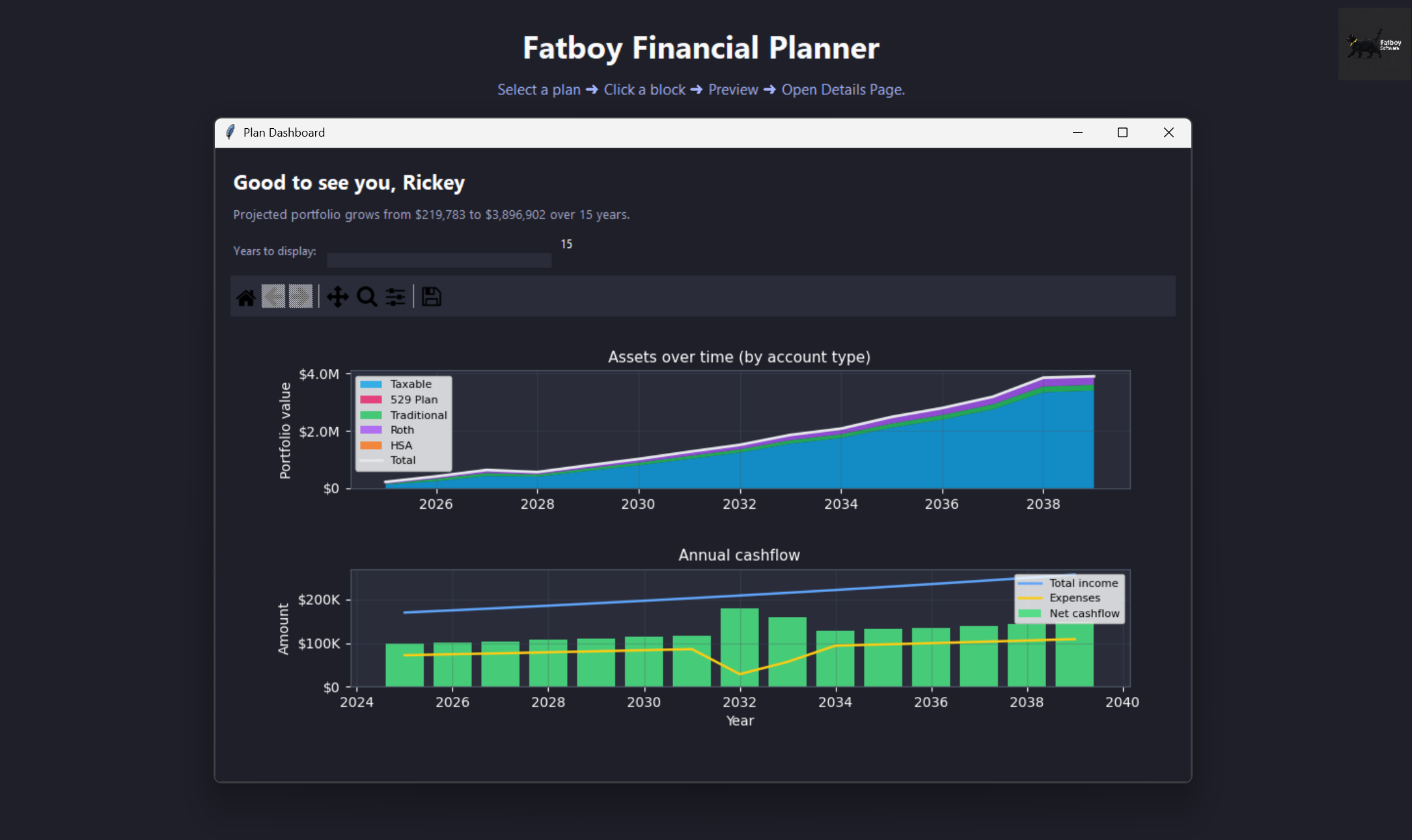
Explore planning horizons up to 100 years, additional scenarios, Roth conversion optimization, advanced tax settings, charts, and breakpoint stress tests.
Trial limits: Monte Carlo is capped at 1,000 paths. Excel export and CSV/OFX/QFX holdings import require a paid license. The trial does not unlock every paid capability.
After 14 days: your trial expires without an automatic charge. You can still open saved plans read only and save separate copies. Purchase Pro to continue editing and running analyses. If your trial ends while the app is open, save a copy of the current plan snapshot before closing; unapplied editor changes may not be included.
Existing Starter users retain legacy access when their prior installation records are available. New installations use the 14-day trial rather than a permanent Starter edition.
Want the full version?
Pro is $149 once at the current Founding Member price. One paid license unlocks Pro across desktop and web. Prefer to stay in your browser? The guided web planner has its own free limits and does not require a desktop install.